
PeopleKeys App

Why Pros Choose PeopleKeys

Hub for Your Assessments
Send assessments, build group reports, and track every result from a single dashboard — no separate logins or spreadsheets.

Advanced Features
Compare results against your own benchmarks, customize report styles, and organize your team or clients.

Everyone Benefits
Administrators save time, teams get clearer insights, and every assessment stays organized in one place.
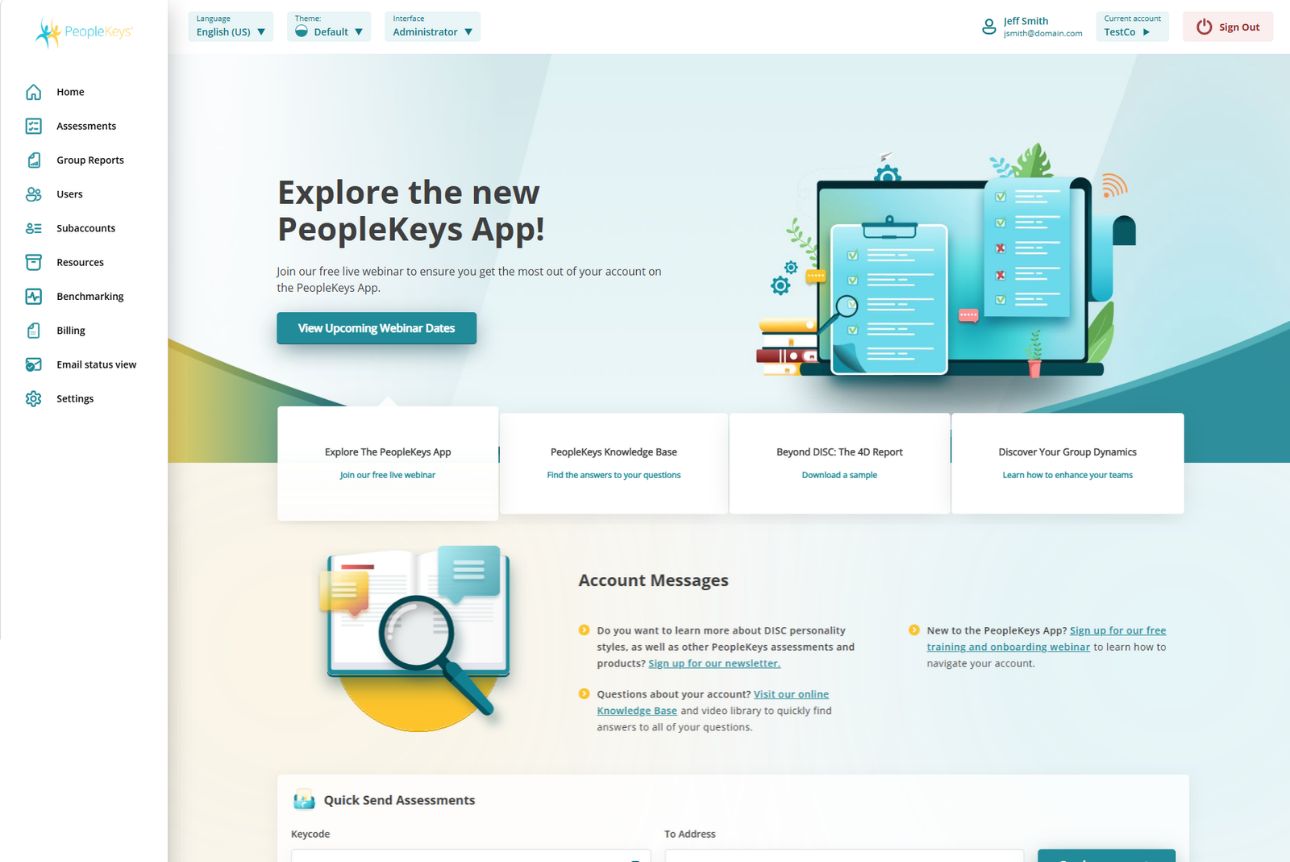
One Dashboard. Every Assessment Tool You Need.
You already know how much time it takes to manage assessments across logins, spreadsheets, and email threads. The PeopleKeys App brings it all together, so your team can send assessments, build reports, and track results without leaving one screen.
Inside the Dashboard
Manage assessments: Send assessments, purchase more as your team grows, and see results the moment they’re ready.
Build group reports: Combine individual results into a single report that shows how your whole team compares.
Organize your team: Sort people into accounts and subaccounts, and control who has access to what.
Track performance: Compare results against your own benchmarks to see how individuals and teams stack up over time.
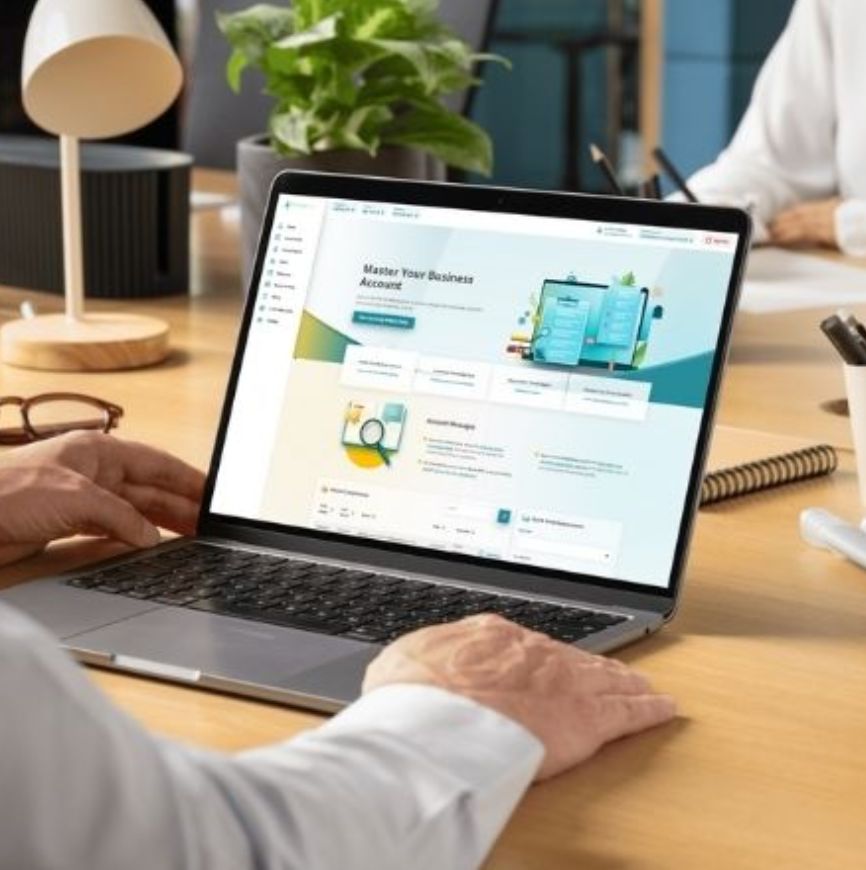
Get a Custom Walkthrough
See how the PeopleKeys App can simplify how your team manages assessments.
FAQs
Do I need to install anything to use the PeopleKeys App
No. The App is entirely web-based — log in from any browser to manage assessments, reports, and users.
Can I move an assessment or user to a different account?
Yes. The Special Features section lets you move a single assessment, move a user, or move an entire account, without losing existing data.
Can I customize how my reports look?
Yes. Use Custom Report Styles and Cover Page Images to add your logo to report covers before sharing them with clients or your team.